Hisense Smart TV
Hisense Smart TV
10 minutes
IPTV On Hisense Smart TV – ib Player Pro (2025)
Install IPTV on Hisense Smart TVs using ibPlayer Pro. Install from the TV app store and activate with MAC address and Device Key.
Installation Steps
1
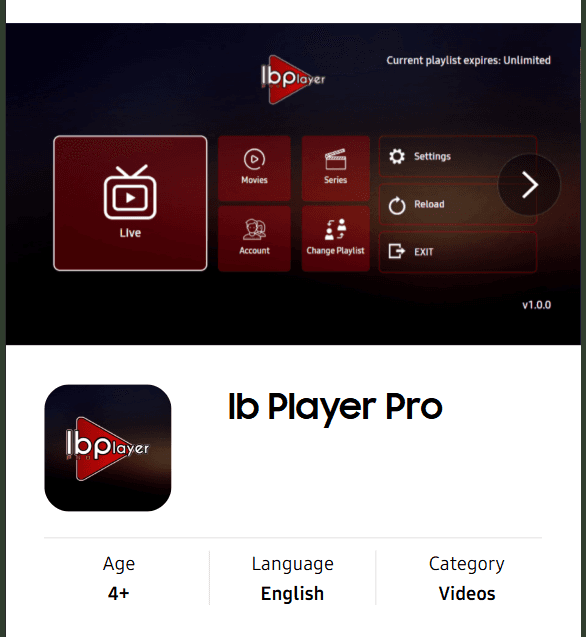
Search for ibPlayer Pro
Open the Hisense TV app store and search for 'ib Player Pro'. Select the app.
2
Install and Open the App
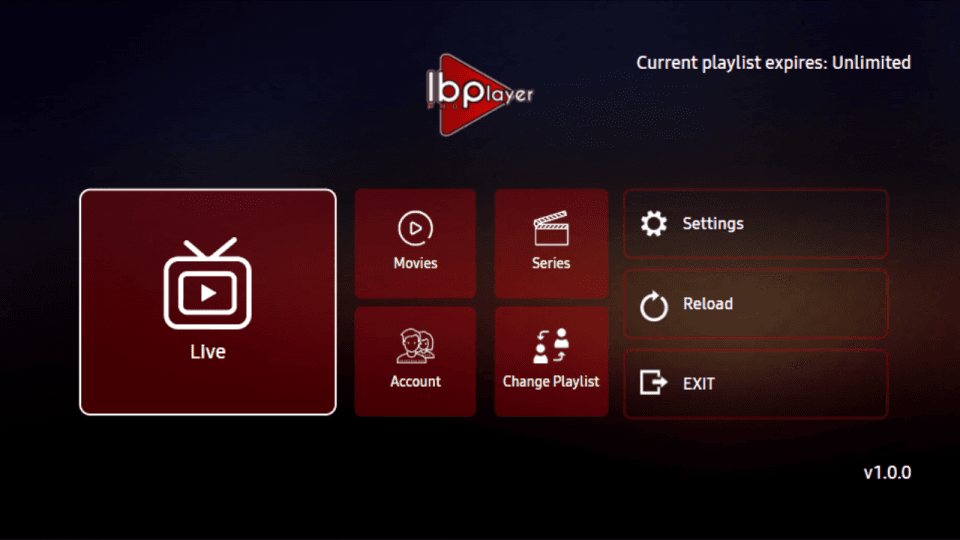
Download and install ibPlayer Pro on your Hisense TV, then launch it.
3
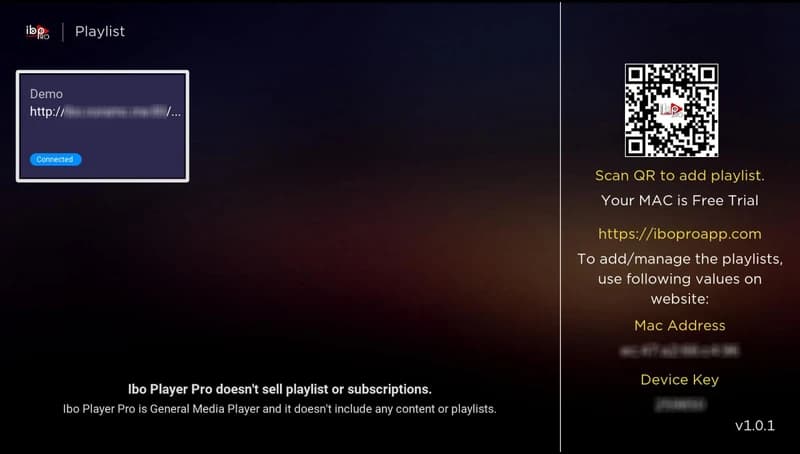
Get MAC Address and Device Key
The app shows your MAC address and Device Key for activation.