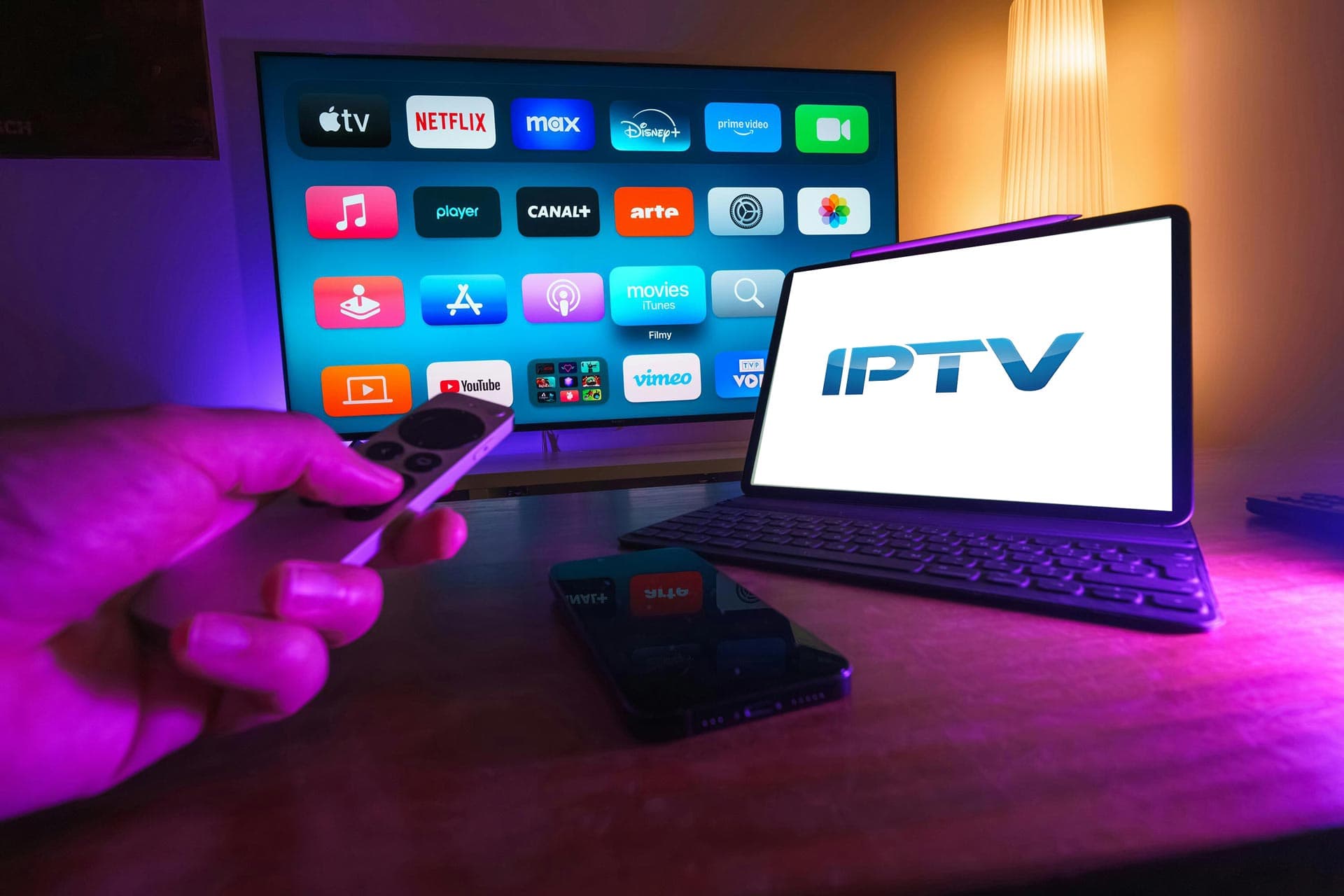
Step-by-step guides to install and setup IPTV on all your favorite devices
Installing IPTV on FireStick is easier than you think. You can choose between our two supported apps - NeptuneTV.PRO #1 or #2. Both offer the same great features and streaming quality!
Install IPTV on LG webOS TVs using ibPlayer Pro from the LG Content Store. Activate using MAC address and Device Key.
Install IPTV on Apple devices using ibPlayer Pro from the App Store. Activate using MAC address and Device Key.
Transform your Android TV with IPTV. Choose between NeptuneTV.PRO #1 or #2 - our personalized and fully supported applications designed for the best streaming experience.
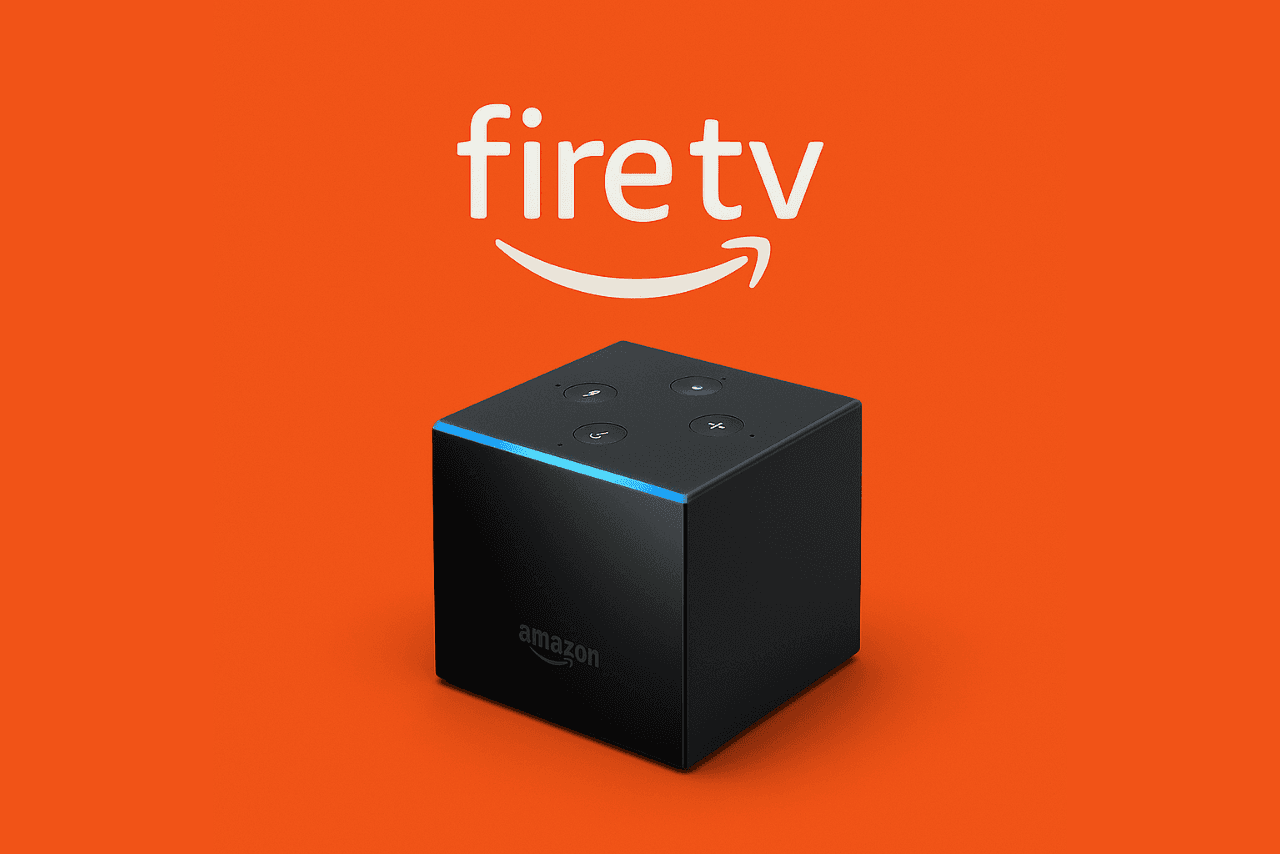
Install IPTV on Amazon Fire TV Cube using the Downloader app and our verified links. Choose between NeptuneTV.PRO #1 or #2.
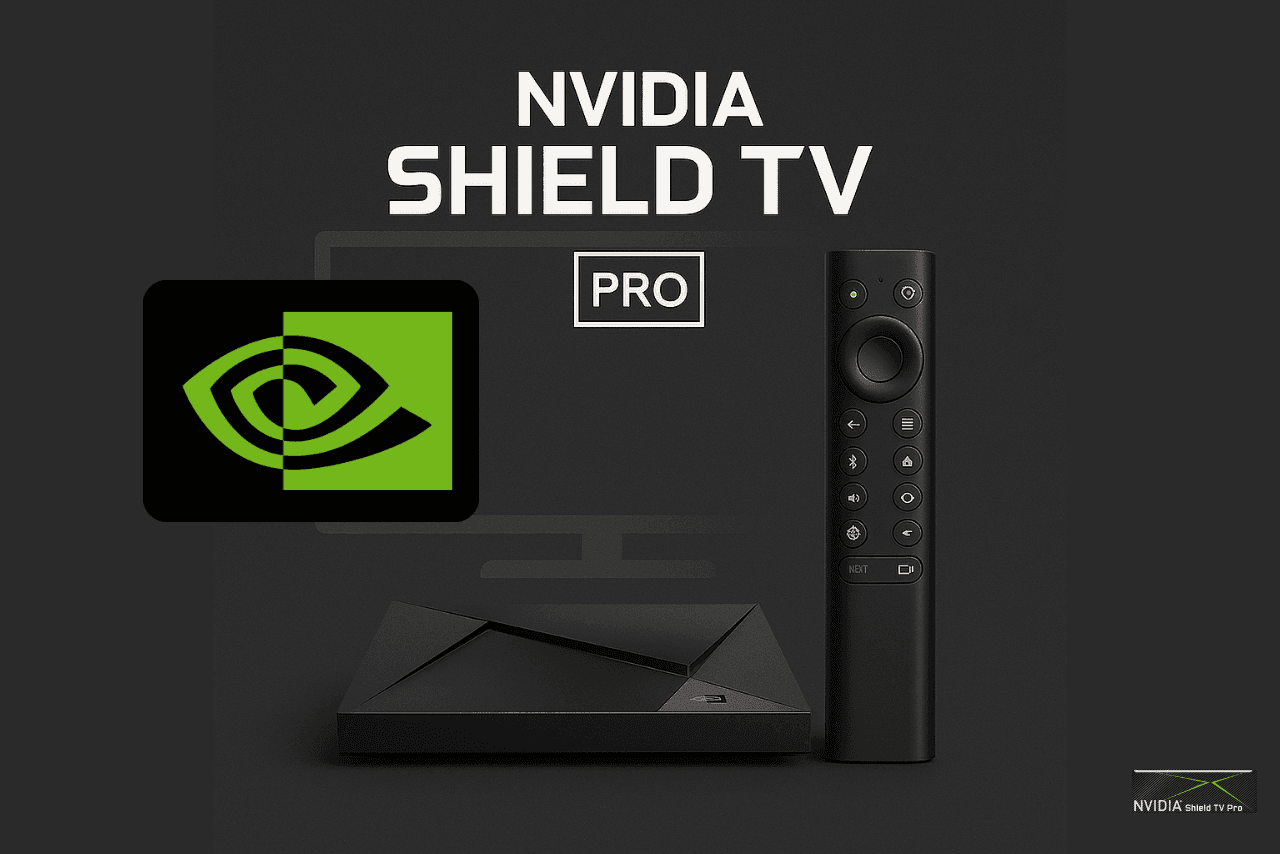
Install IPTV on NVIDIA Shield TV Pro using Downloader and our verified links.
Install IPTV on Samsung Smart TVs using ibPlayer Pro. This guide covers app installation from Samsung App Store and activation using MAC address and Device Key.
Install IPTV on Roku using ibPlayer Pro from the Roku Channel Store. Activate with MAC address and Device Key.
Install IPTV on Windows using ibPlayer Pro from the Microsoft Store. Activate with MAC address and Device Key.
Install IPTV on Khadas Edge2 using the Downloader app and our verified links. Choose between NeptuneTV.PRO #1 or #2.
Install IPTV on Mecool KM9 Pro using the Downloader app and our verified links. Choose between NeptuneTV.PRO #1 or #2.
Install IPTV on Hisense Smart TVs using ibPlayer Pro. Install from the TV app store and activate with MAC address and Device Key.
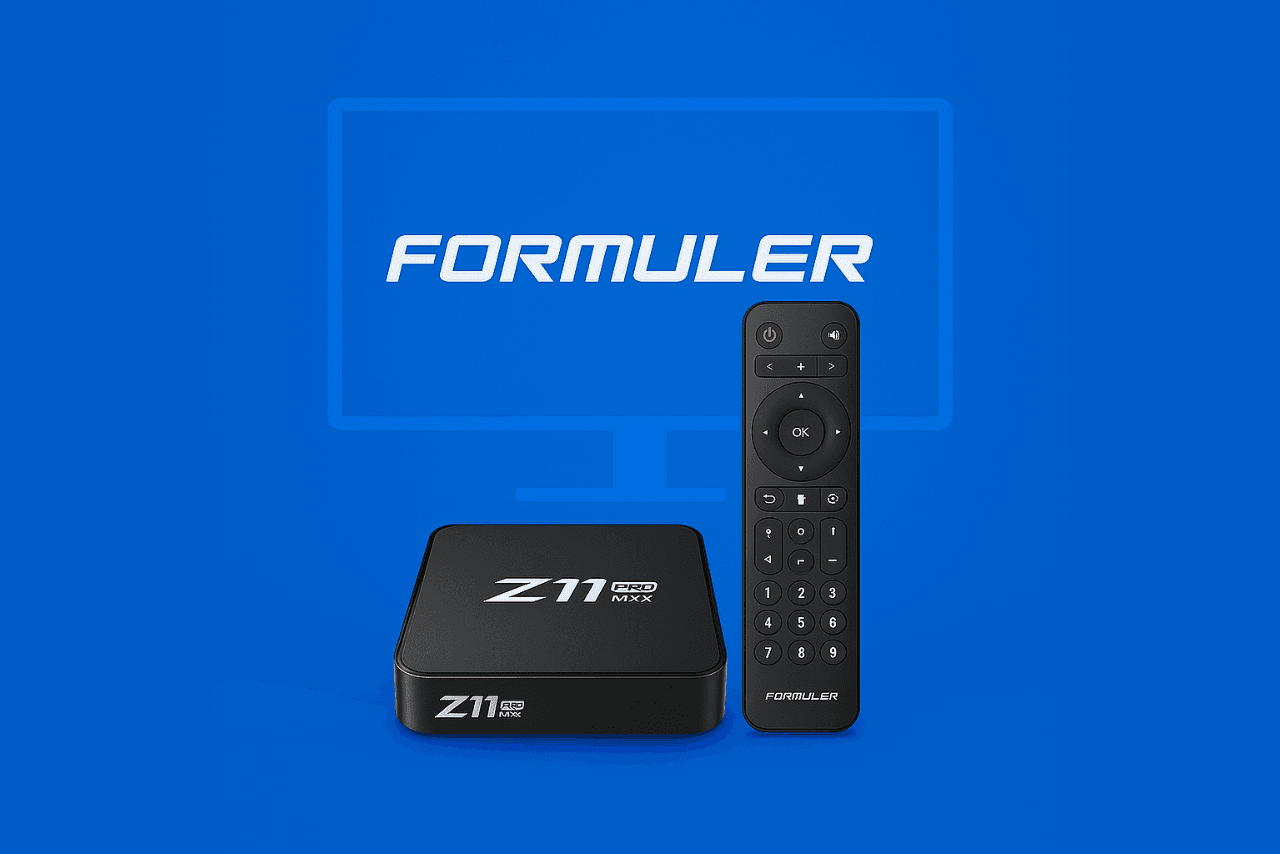
Use the official MyTVOnline/MyTVOnline2 portal or install NeptuneTV.PRO #1 or #2. Both deliver the same premium streaming experience on Formuler.
Watch IPTV on your Android phone or tablet. Install one of our two supported apps - NeptuneTV.PRO #1 or #2 - and enjoy streaming anywhere, anytime!
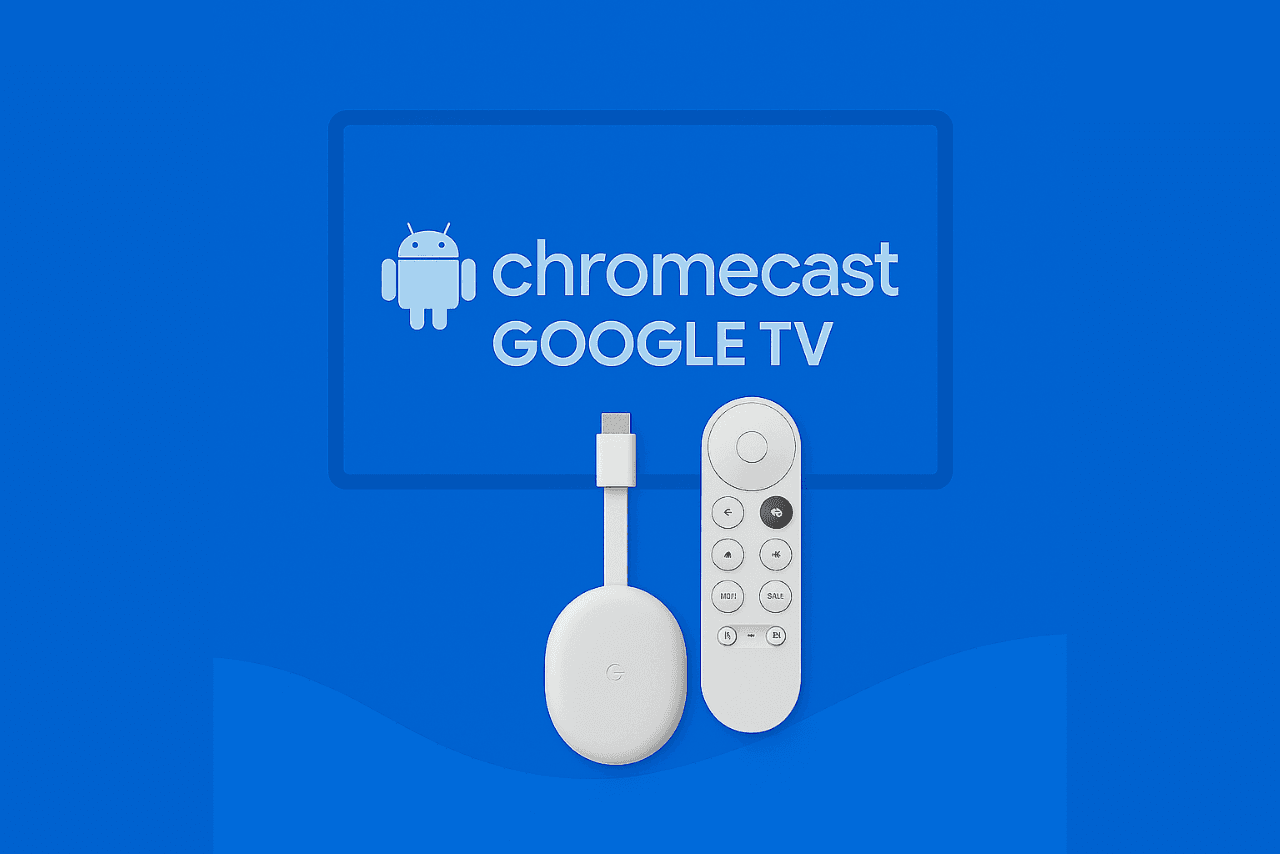
Install IPTV on Chromecast Google TV using the Downloader app and our verified links.
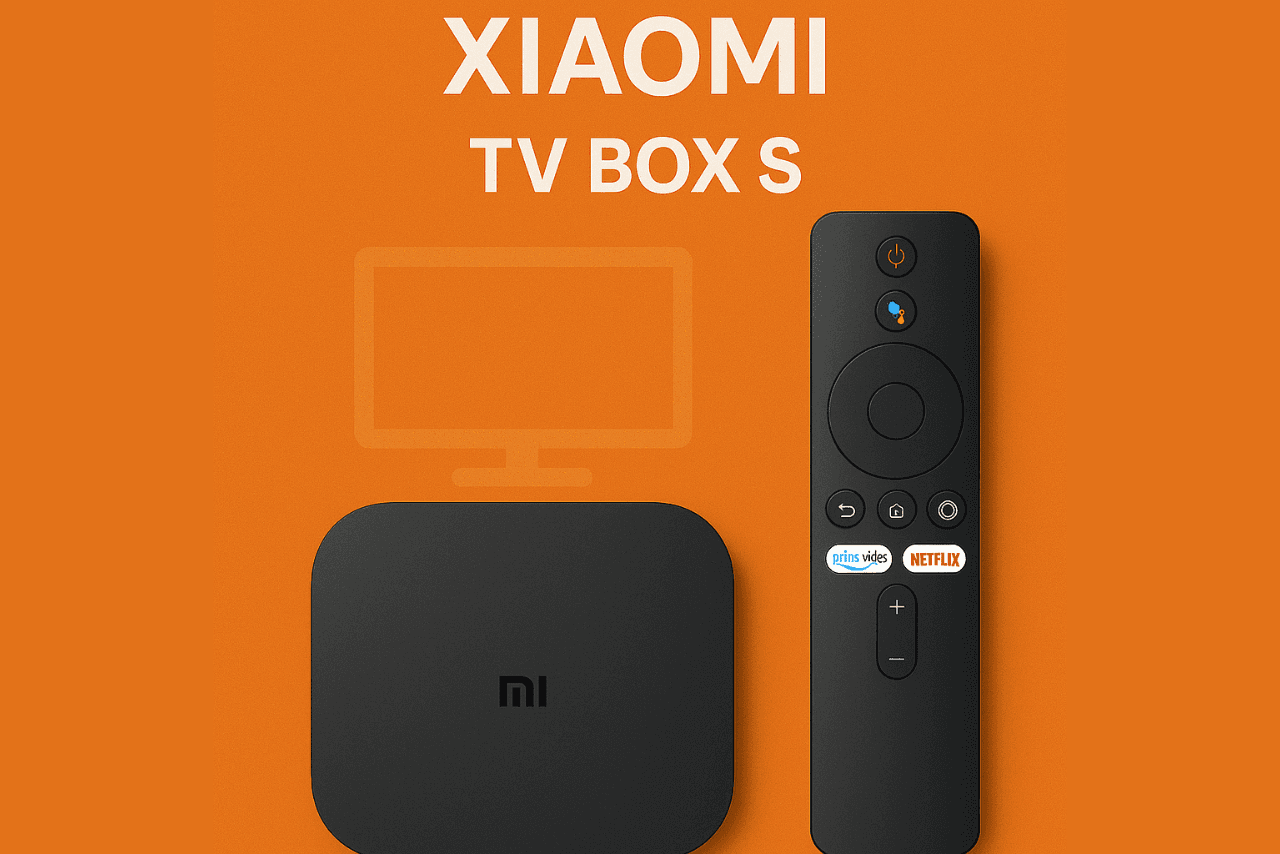
Install IPTV on Xiaomi TV Box using Downloader and our verified links.
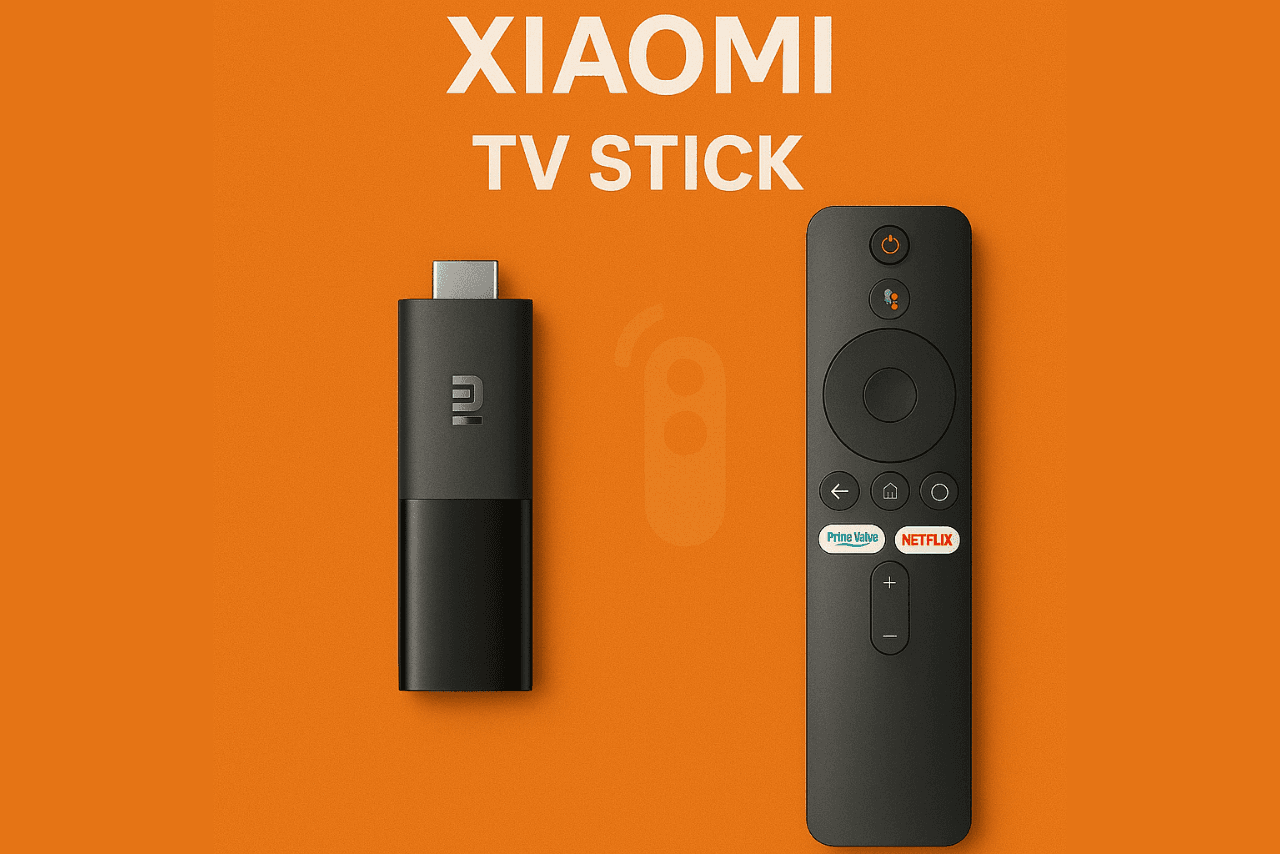
Install IPTV on Xiaomi TV Stick using Downloader and our verified links.
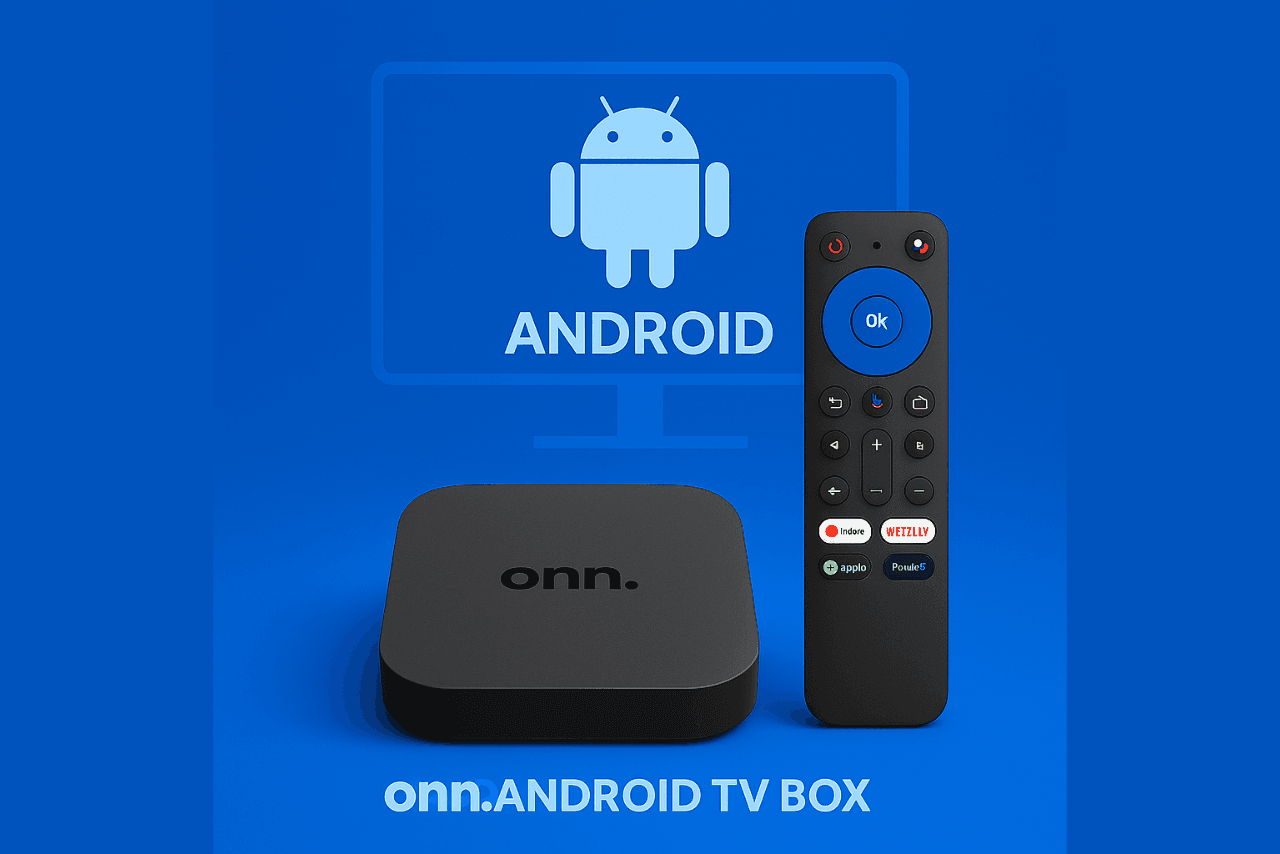
Install IPTV on Onn. Android TV Box using Downloader and our verified links.
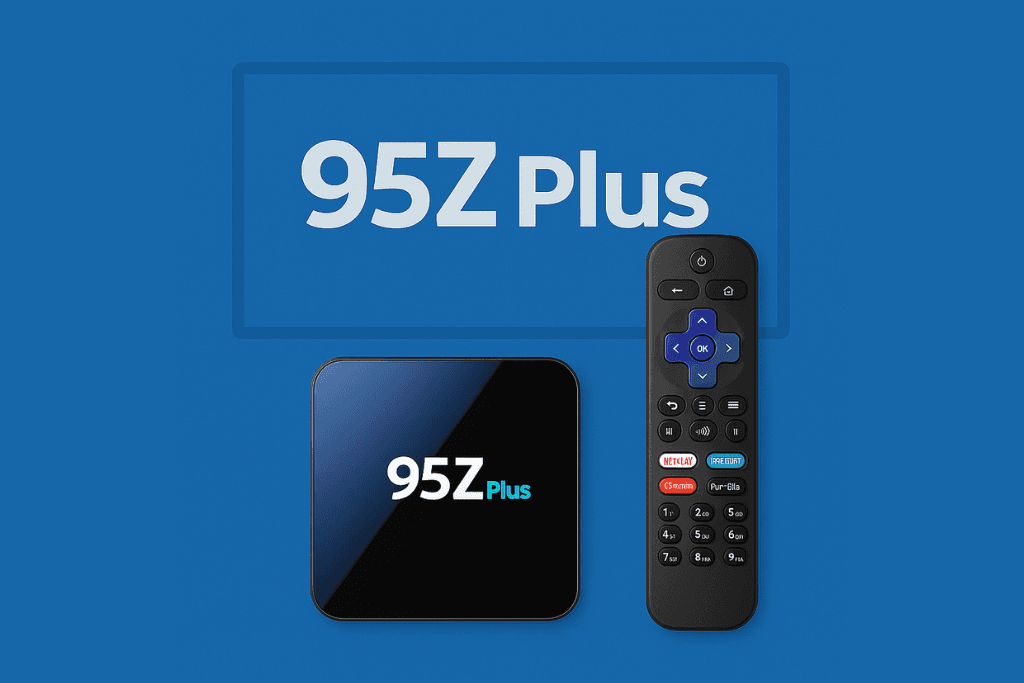
Install IPTV on 95Z Plus using Downloader and our verified links.
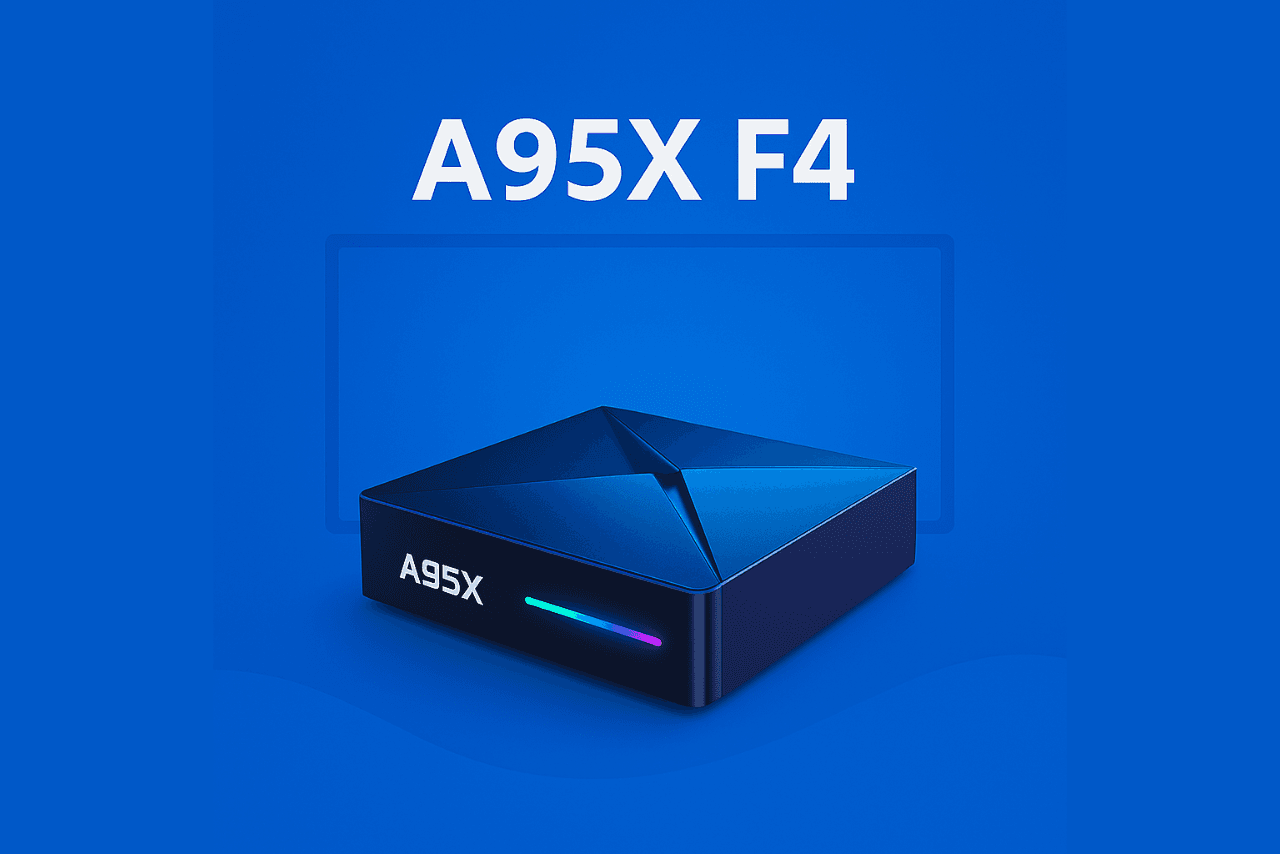
Install IPTV on A95X F4 using Downloader and our verified links.
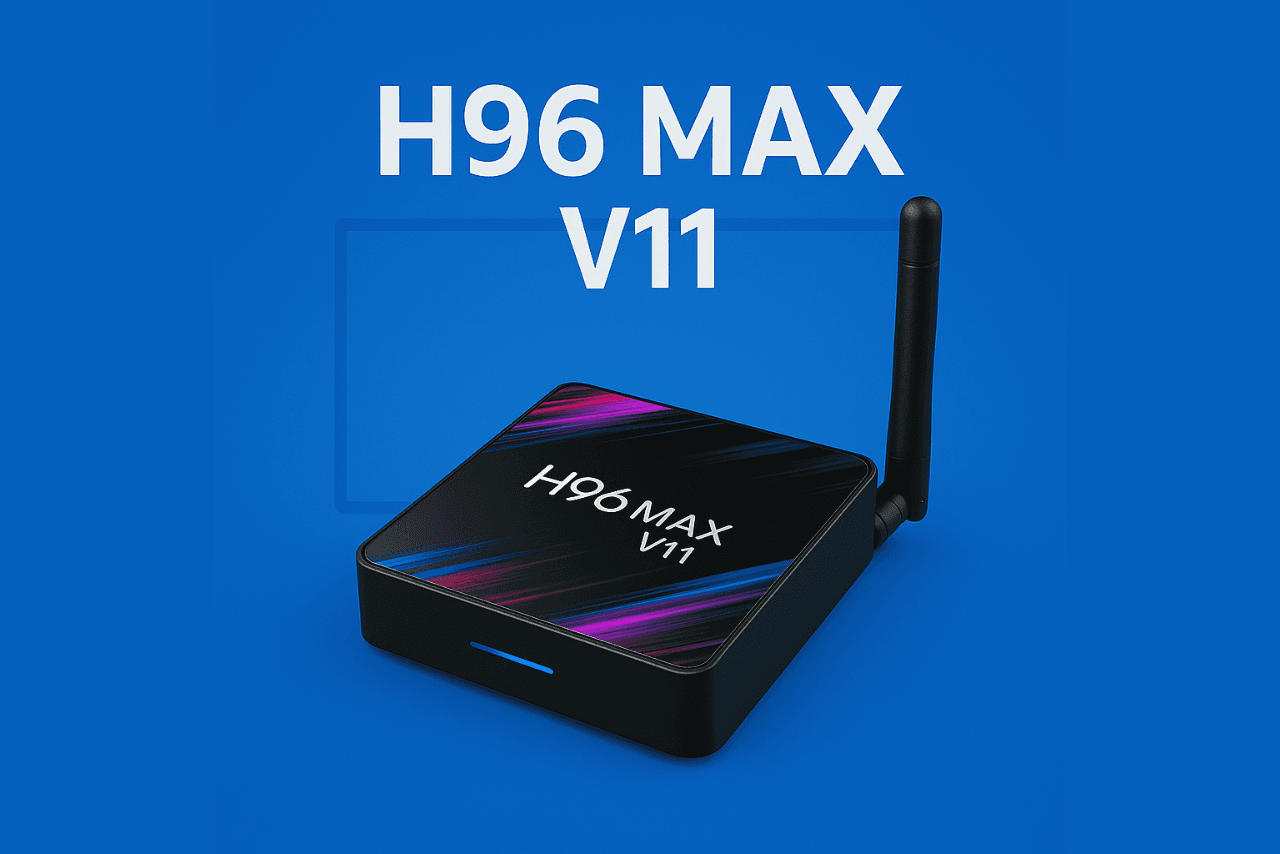
Install IPTV on H96 Max V11 using Downloader and our verified links.
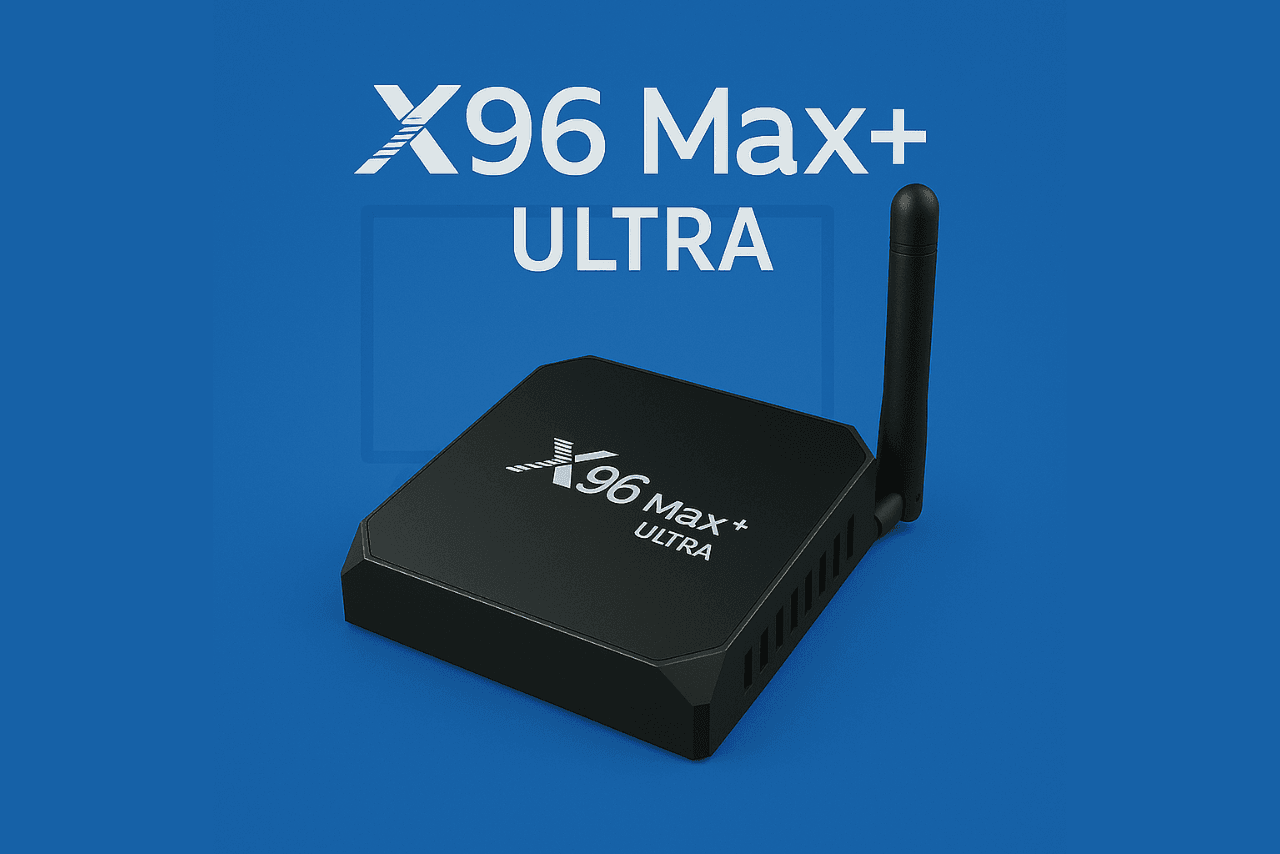
Install IPTV on X96 Max+ Ultra using Downloader and our verified links.
Install IPTV on Tanix TX9S using Downloader and our verified links.
Install IPTV on Vontar X4 using Downloader and our verified links.
Install IPTV on Ugoos AM6 using Downloader and our verified links.
Install IPTV on Ugoos X4Q Pro using Downloader and our verified links.
Install IPTV on Pendoo X12 PRO using Downloader and our verified links.
Configure your MAG box using the portal URL. Start by sending your MAC address, then set the portal and restart to begin watching.