Roku
Roku
10 minutes
IPTV On Roku – Ibo Player Pro
Install IPTV on Roku using ibPlayer Pro from the Roku Channel Store. Activate with MAC address and Device Key.
Installation Steps
1
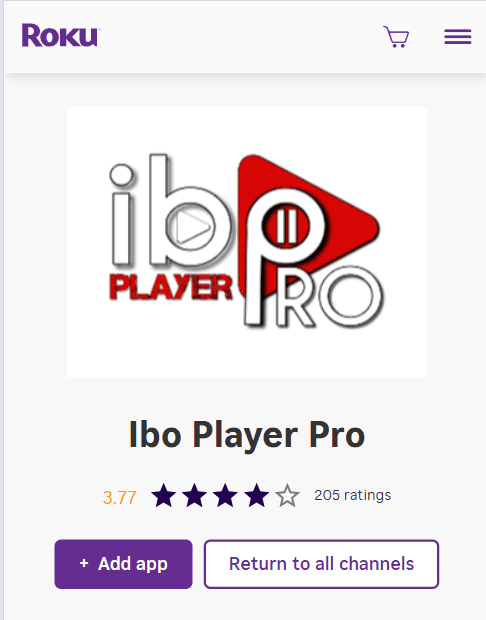
Search for Ibo Player Pro
Open Roku Channel Store, search for 'Ibo Player Pro'.
2
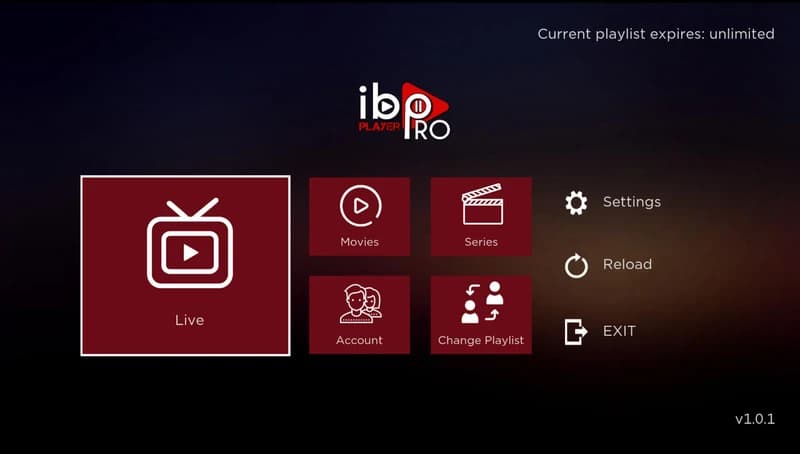
Install and Open the App
Install ibPlayer Pro and launch it.
3
Get MAC Address and Device Key
Note the MAC address and Device Key shown in the app.
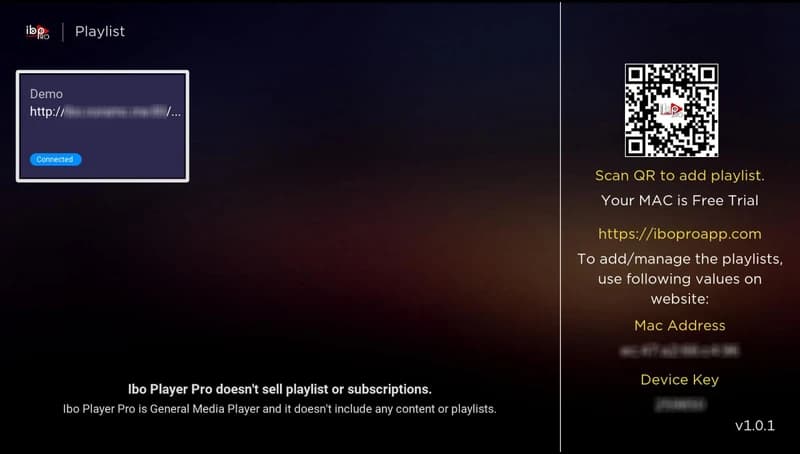
4
Activate Your Device
Use the MAC address and Device Key to activate your device. After activation, restart the app to load channels and content.