LG webOS TV
LG webOS TV
10 minutes
IPTV On LG webOS TV – ibPlayer Pro (2025)
Install IPTV on LG webOS TVs using ibPlayer Pro from the LG Content Store. Activate using MAC address and Device Key.
Installation Steps
1
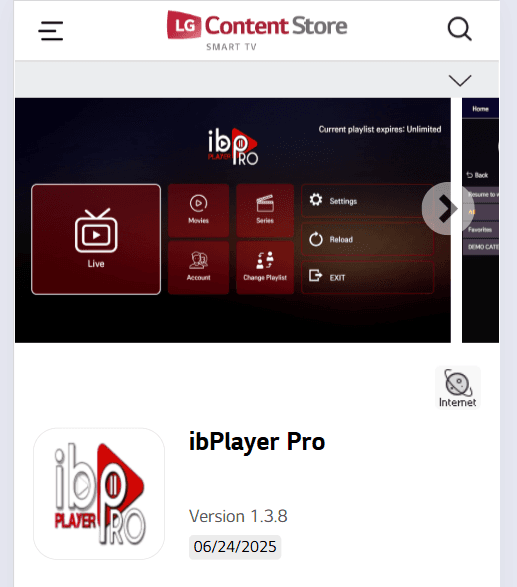
Search for ibPlayer Pro
Open the LG Content Store and search for 'ibPlayer Pro'. Select the app.
2
Install and Open the App
Download and install ibPlayer Pro on your LG webOS TV, then launch it.
3
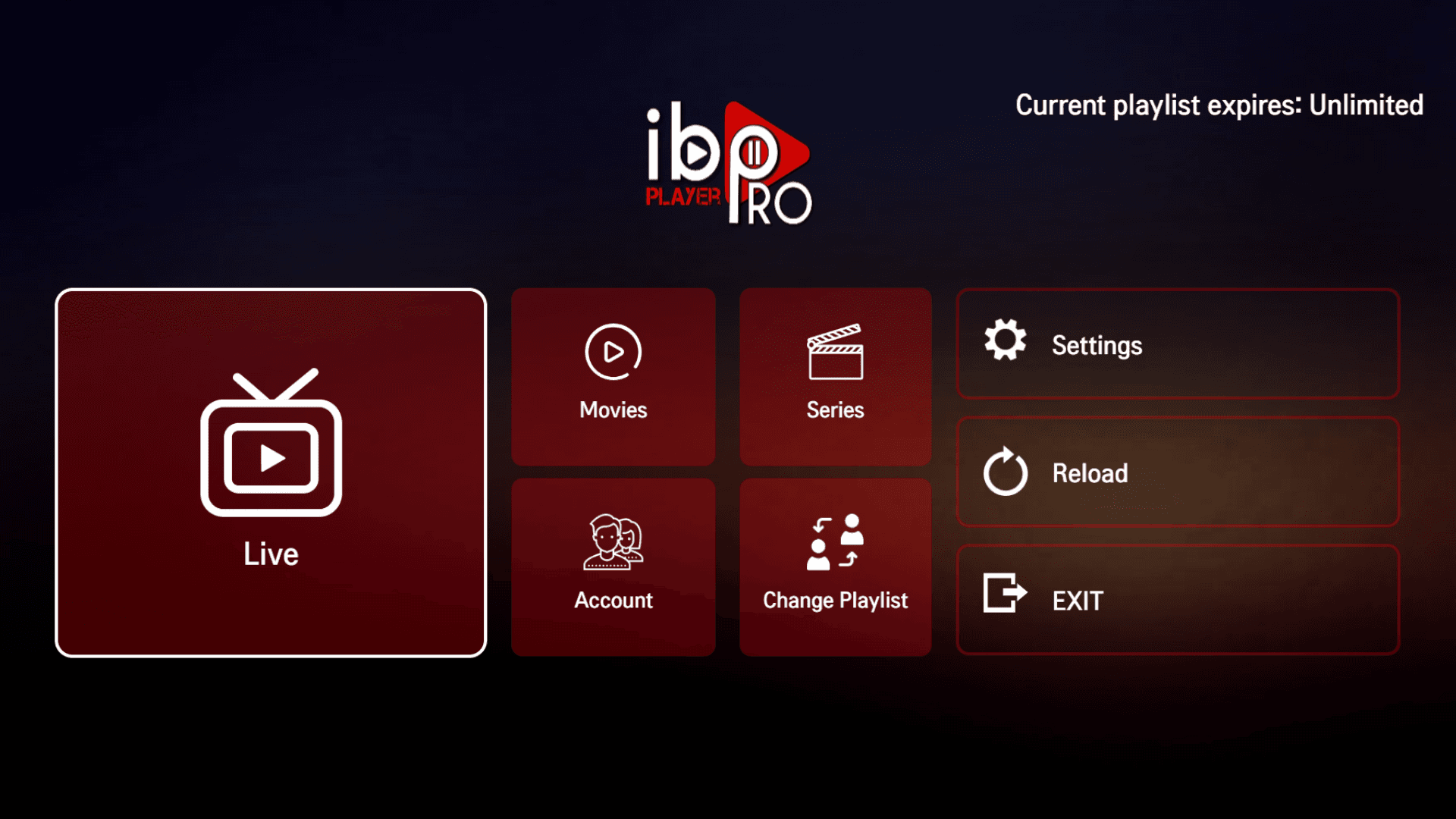
Get MAC Address and Device Key
The app shows your MAC address and Device Key for activation.
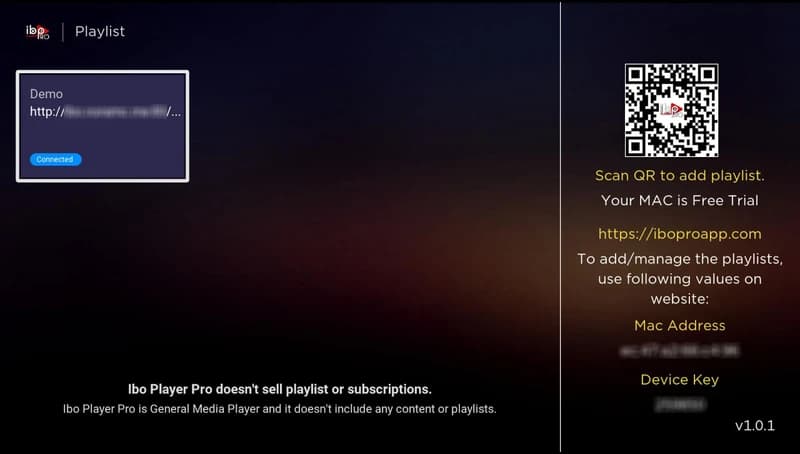
4
Activate Your Device
Use the MAC address and Device Key to activate your device. After activation, restart the app to load channels and content.
Send us your MAC address and Device Key and we will activate it for you: