
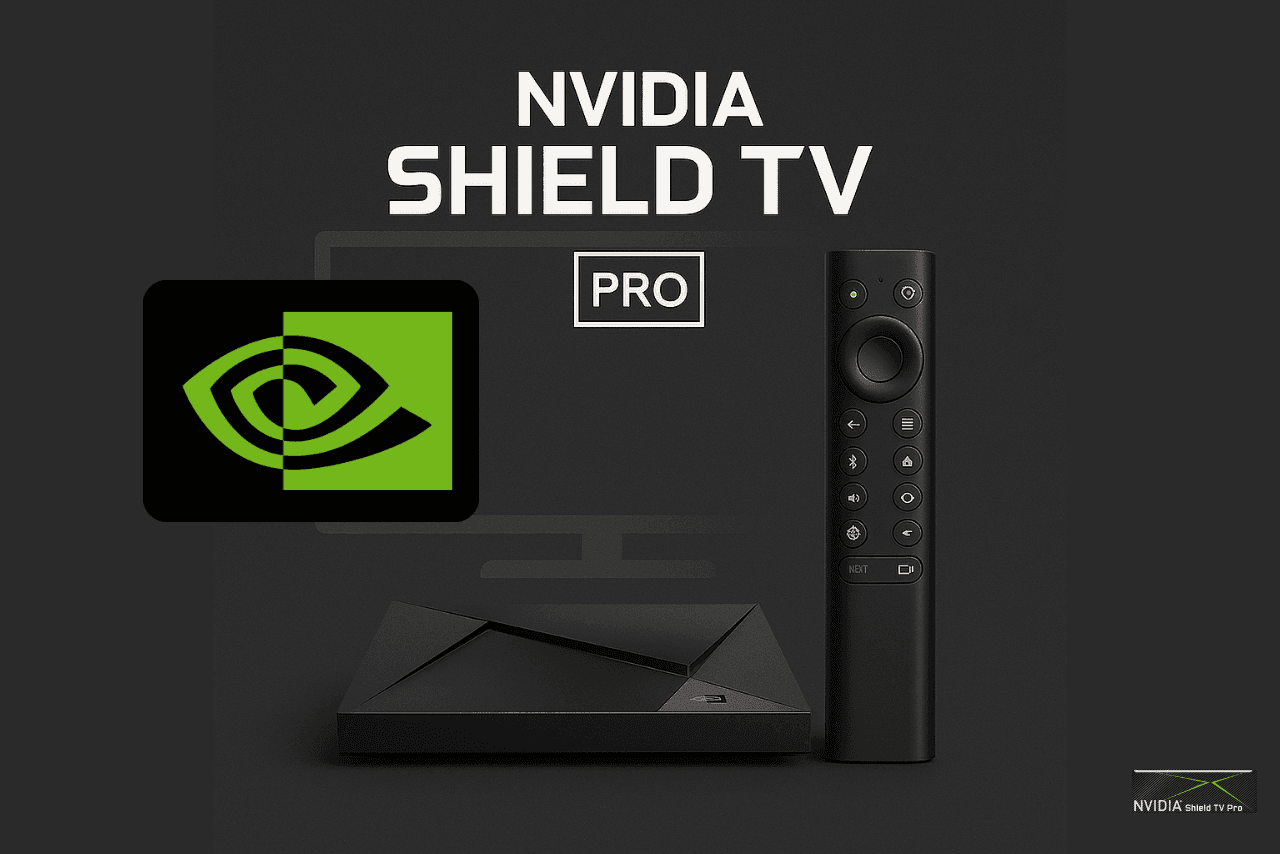
IPTV On NVIDIA Shield TV Pro – Downloader Method
Install IPTV on NVIDIA Shield TV Pro using Downloader and our verified links.
Installation Steps
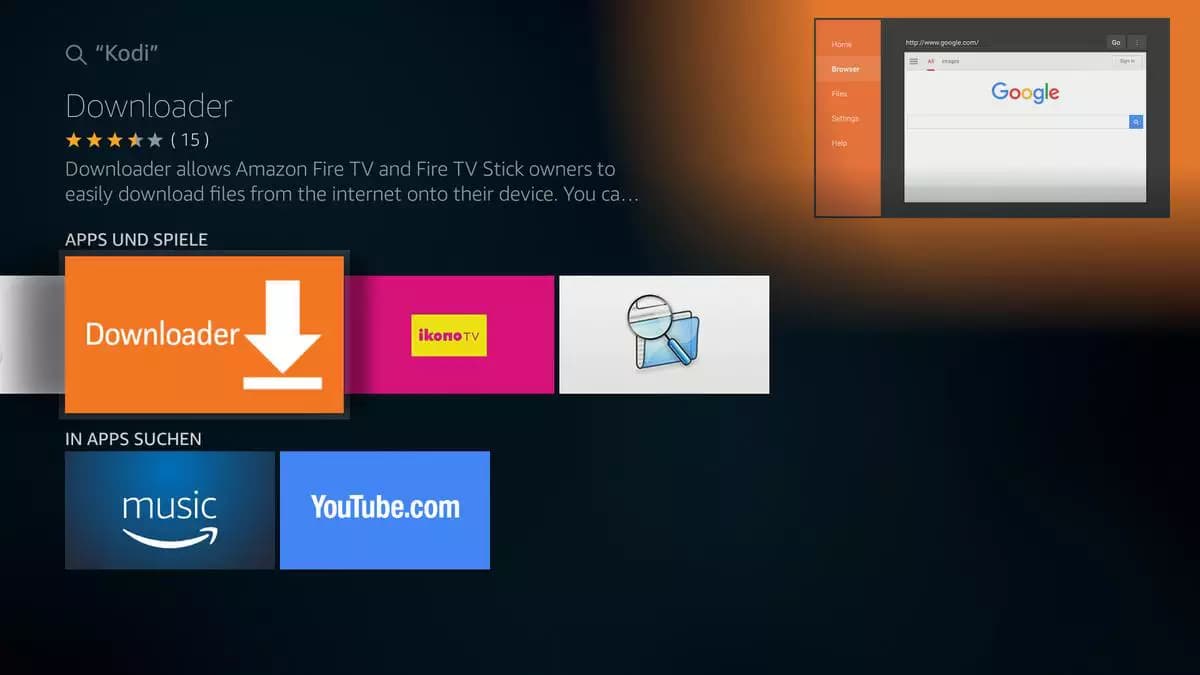
Download Downloader App
Search for and install the 'Downloader' app from the NVIDIA Shield official app store. This free app will help you download our IPTV application.



Choose Your App
You can choose between our two apps - both work perfectly! NeptuneTV.PRO #1 or NeptuneTV.PRO #2. They offer identical features and streaming quality.
App Interface Preview
Clean, modern interface with easy navigation and all your favorite content.
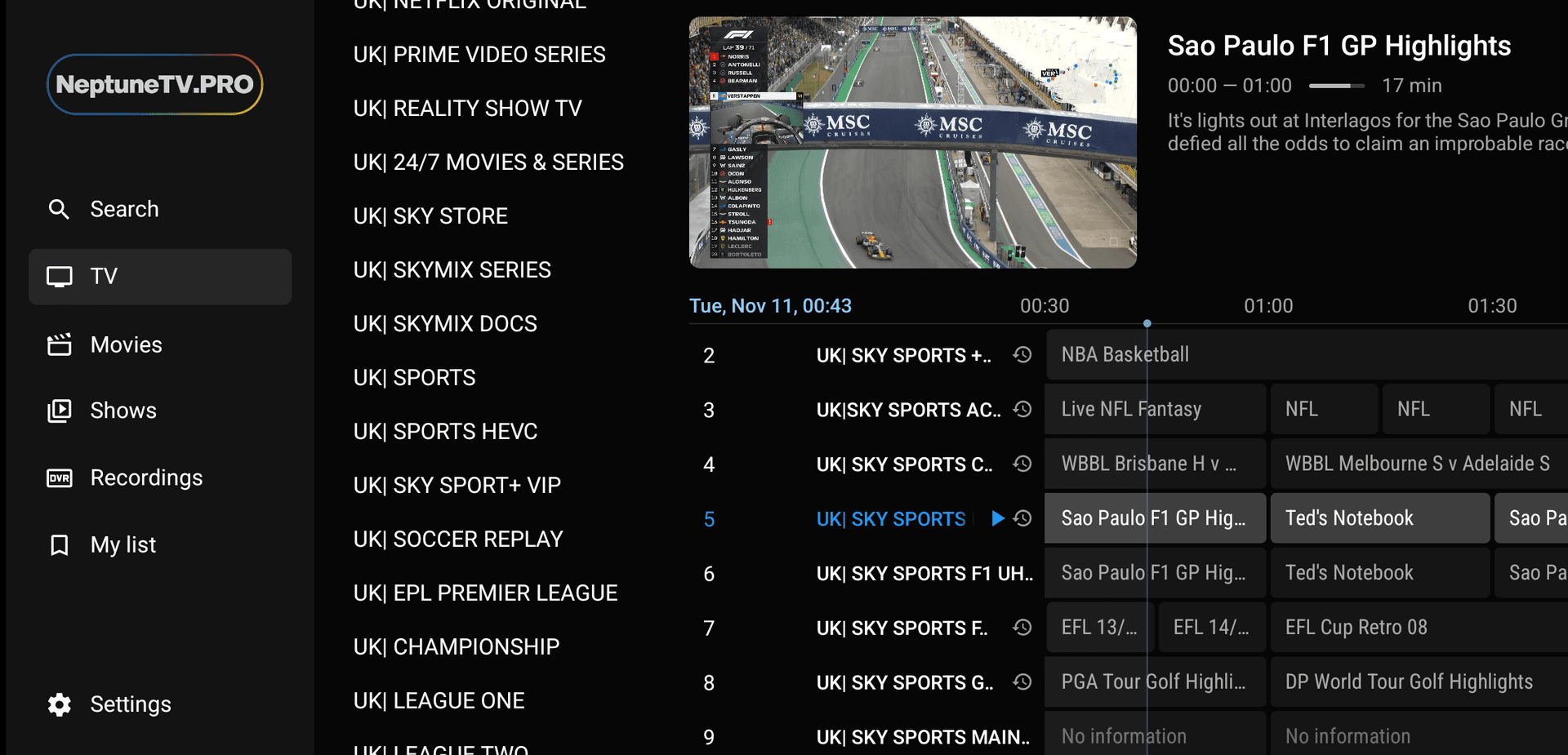
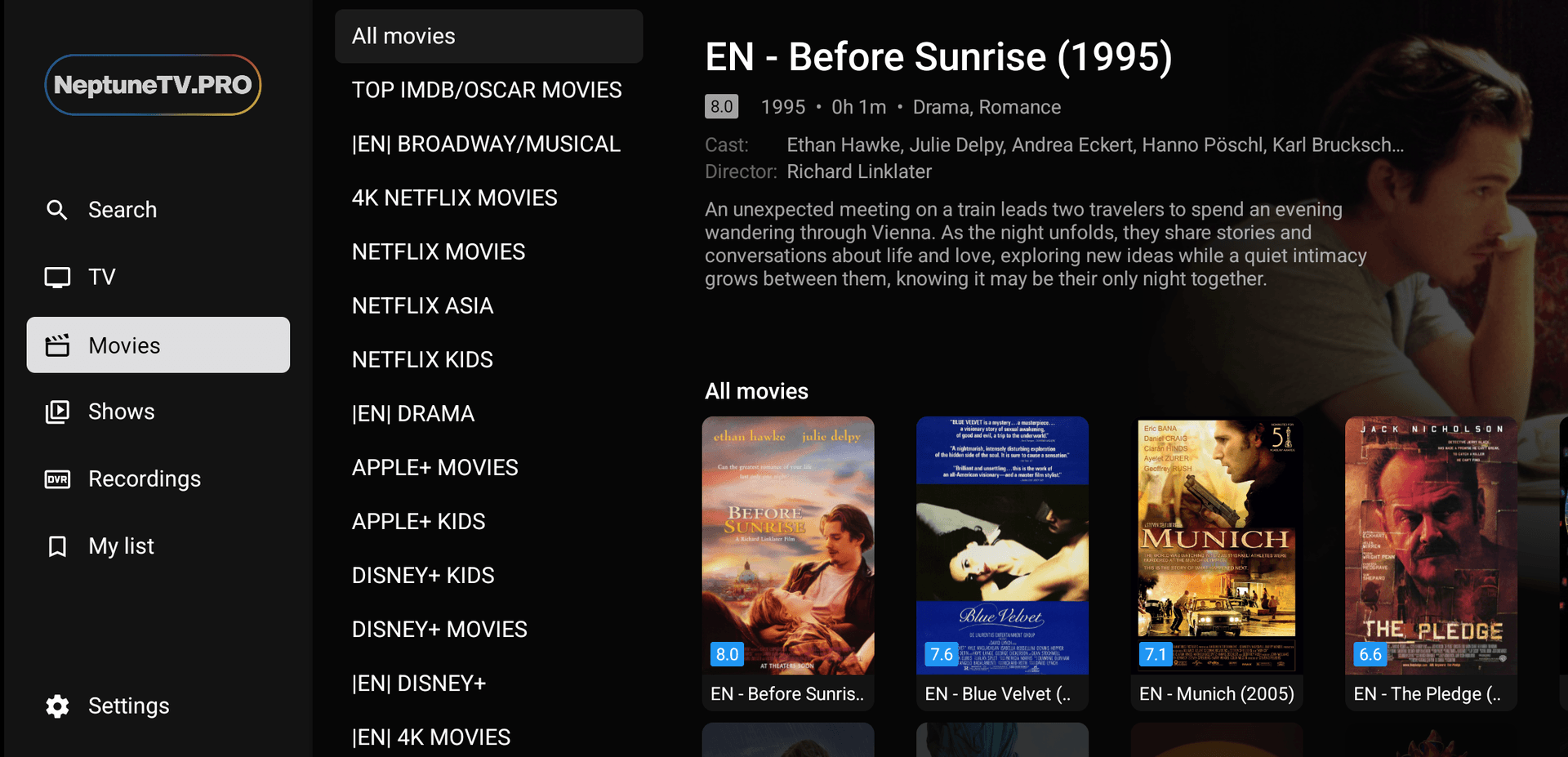
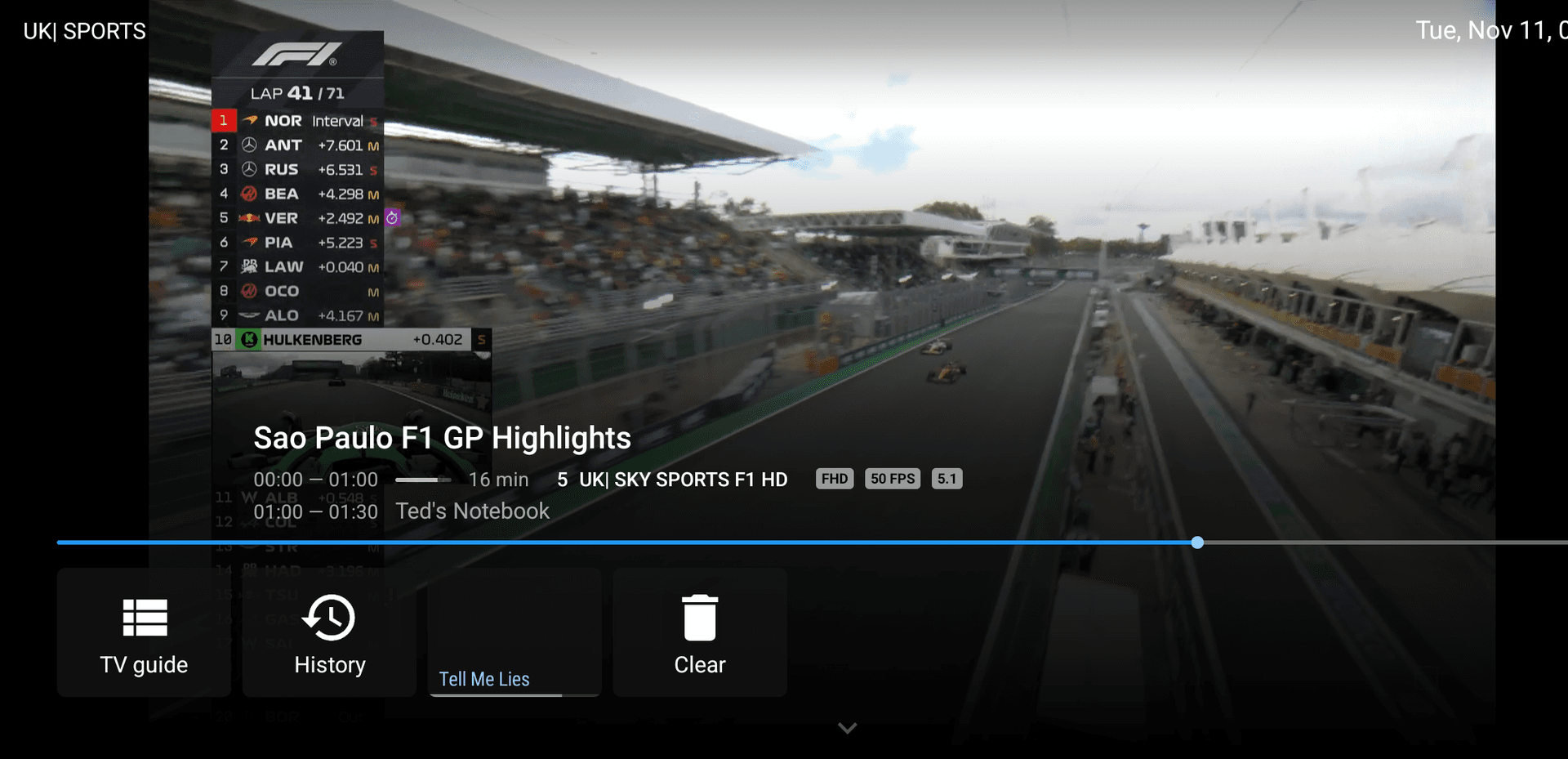
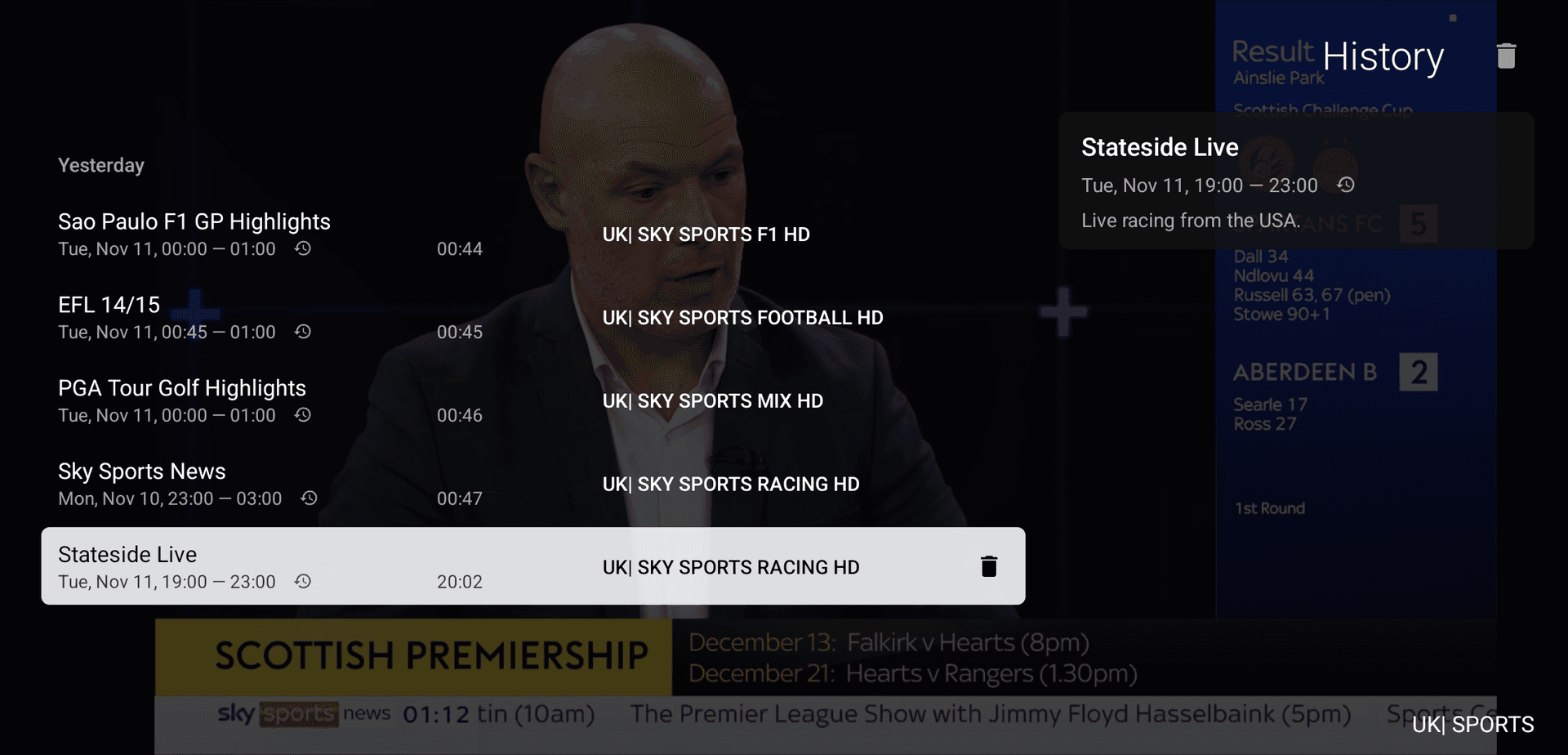
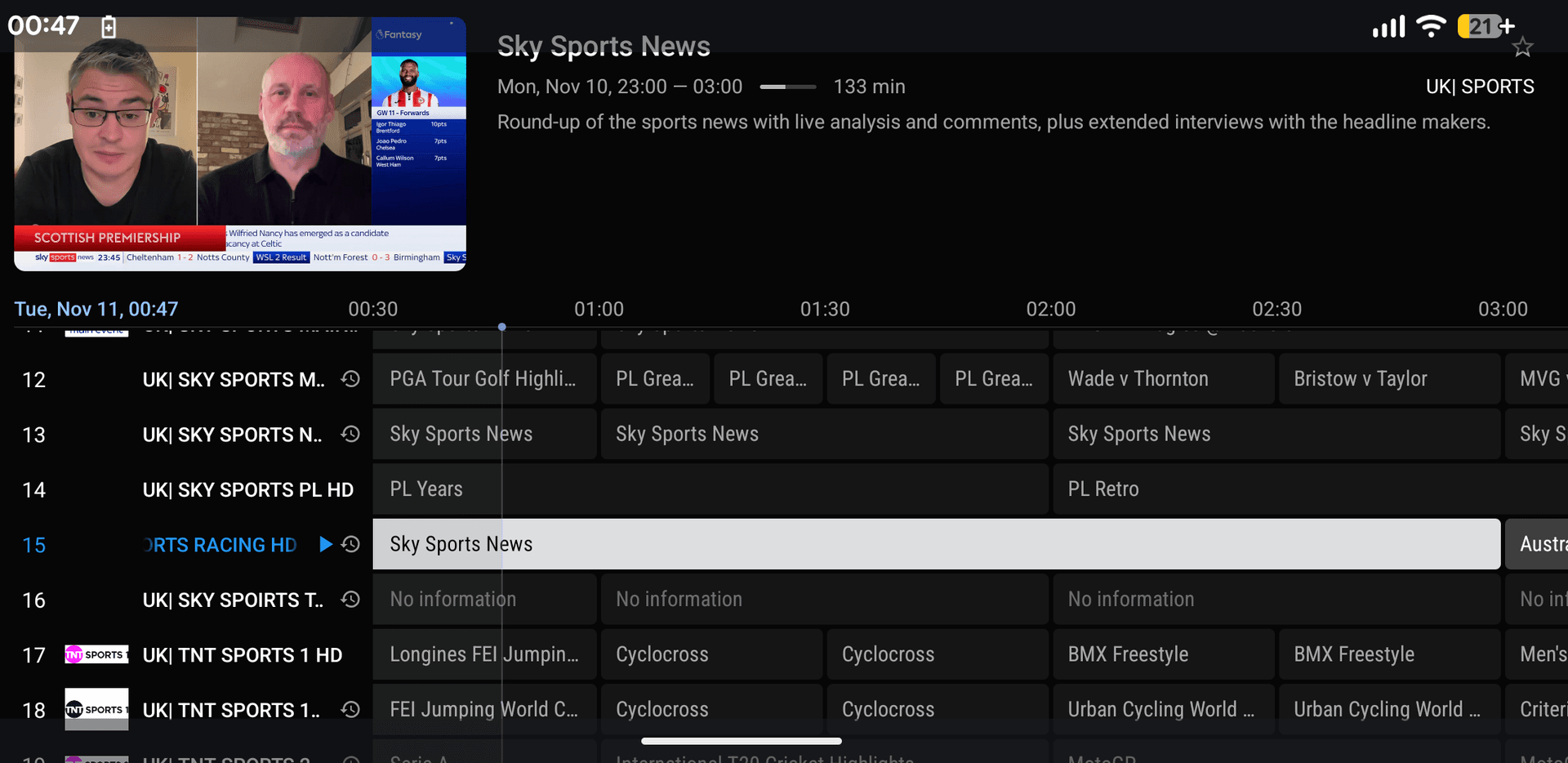
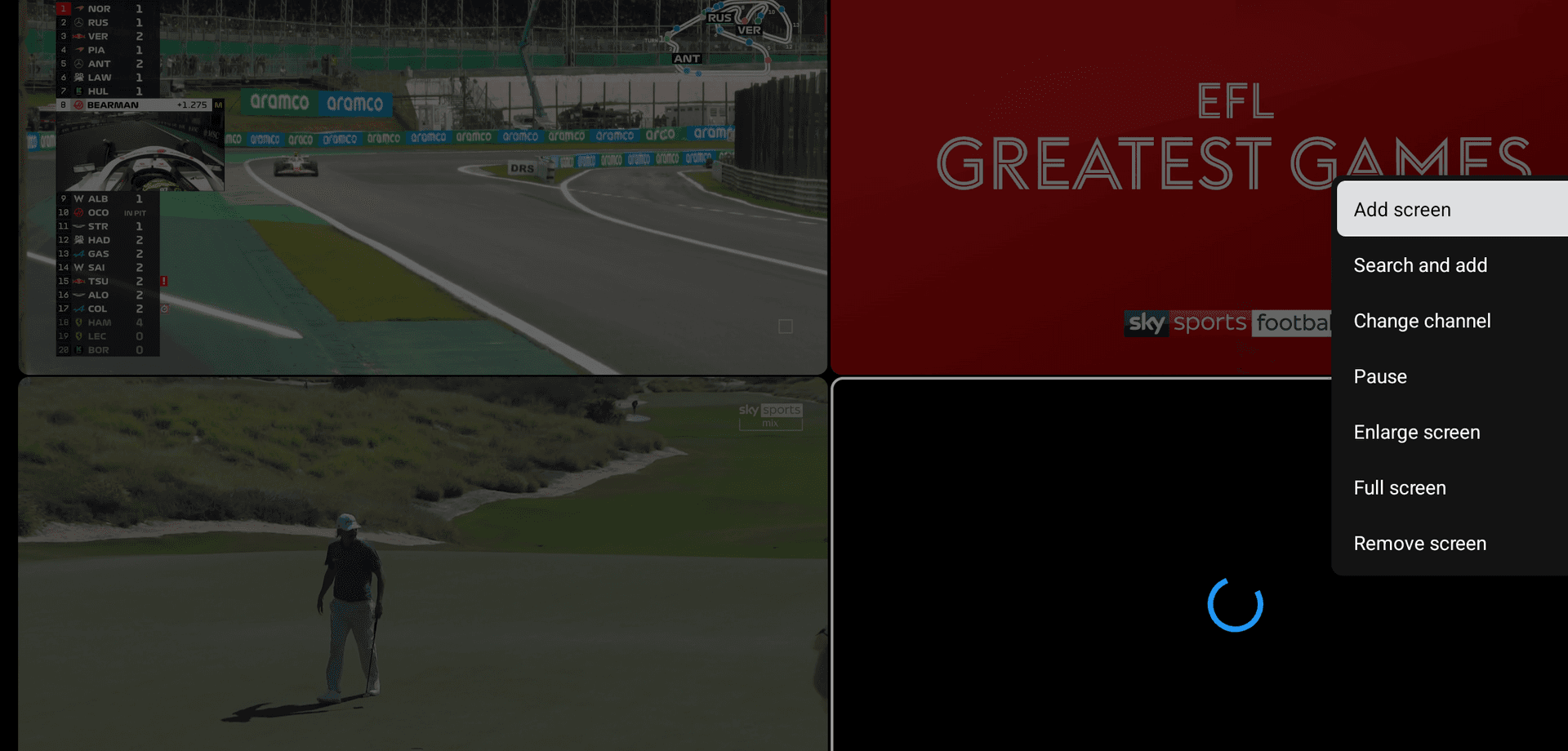
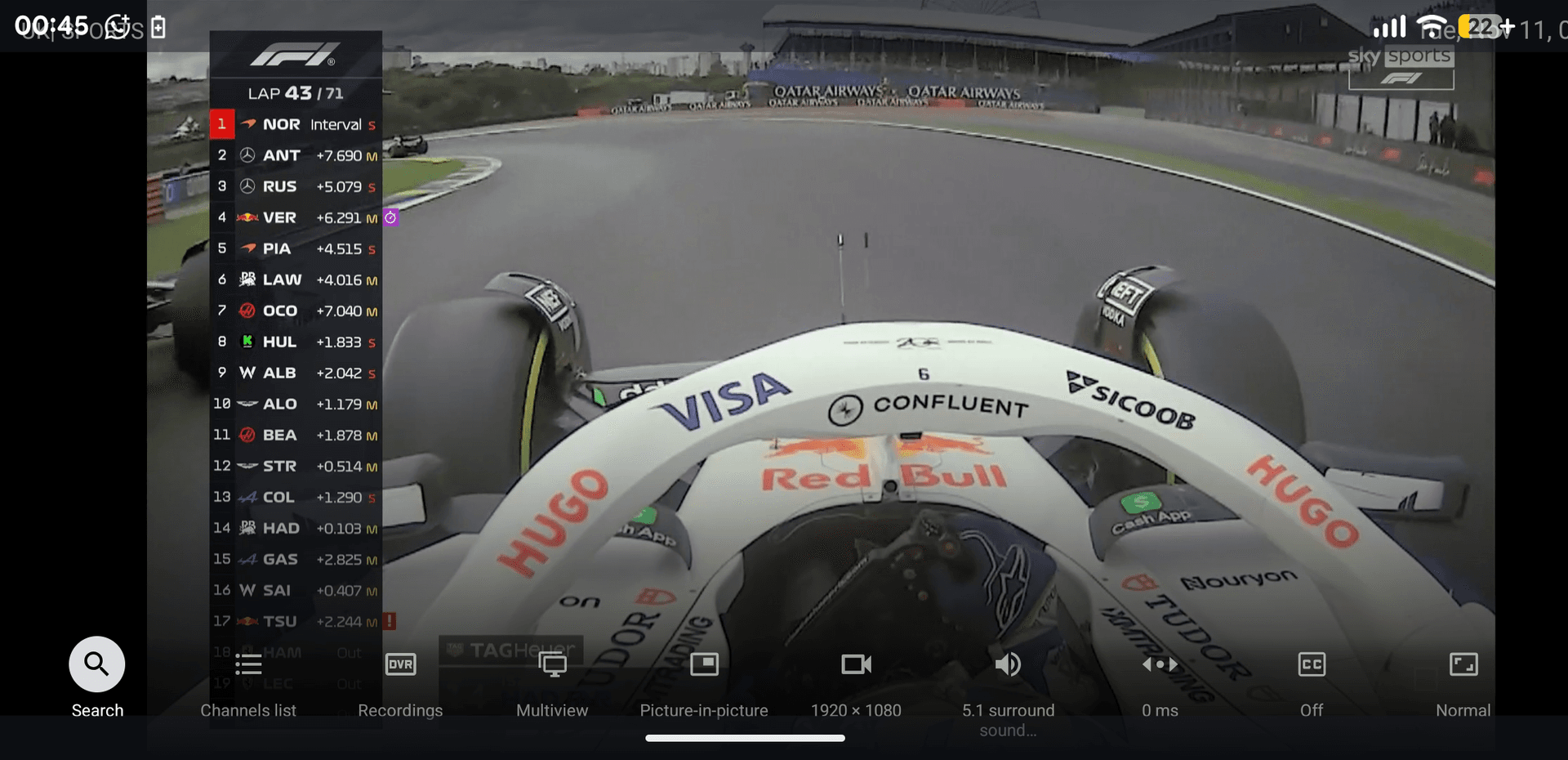
Premium Live UI
Fast, modern and TV‑optimized viewing.
Install NeptuneTV.PRO #1
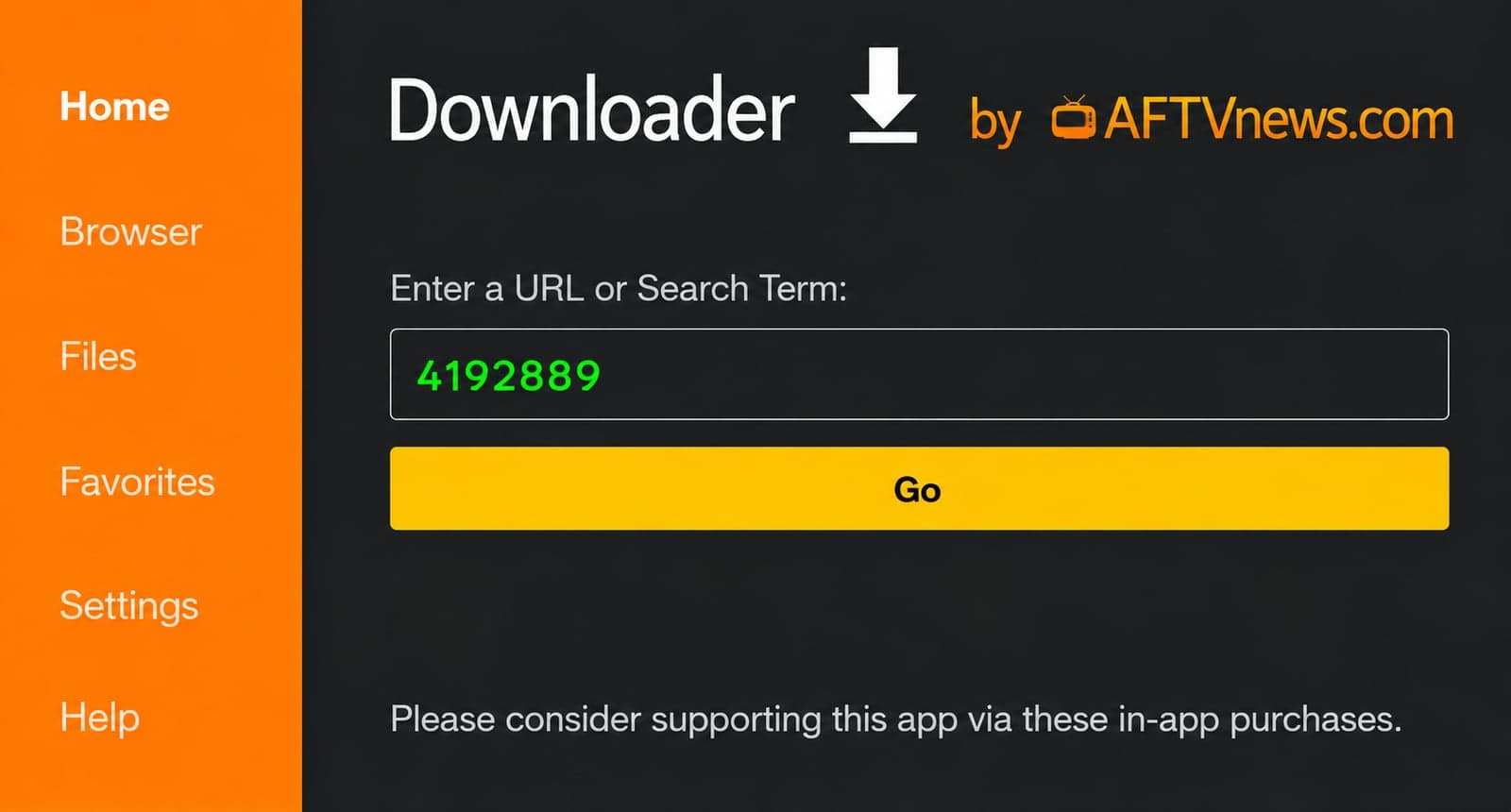
In Downloader app, enter URL: https://ibomate.app/neptunetv/apk-tivimate/download (or use short code: 4192889). Click 'Go', then download and install the APK.
Login and Start Watching
Launch the app you installed (NeptuneTV.PRO #1), enter your credentials provided by us, and start enjoying thousands of channels, movies, and series on your FireStick! Both apps deliver the same premium streaming experience with crystal clear quality.